🎙️ Build AI Voice Agents in 2 Minutes
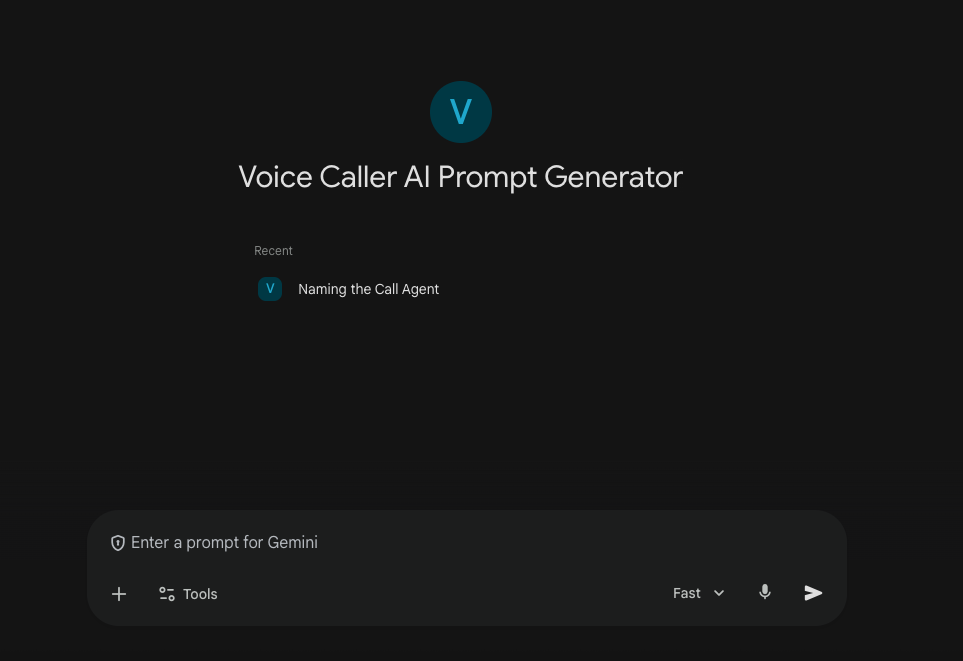
The fastest way to launch realistic voice AI. Use our custom Gemini Gem to generate perfect prompt instructions instantly.
Why This Method Works
Instant Prompt Engineering
Our custom Gemini Gem writes complex voice agent behavior instructions for you in seconds.
Ultra-Realistic Voices
Leverage Retell AI's human-like speech models for natural, flowing conversations.
No Coding Required
Simply copy the generated instructions, paste them into the agent, and you're ready to go.
Rapid Testing
Go from idea to talking with your AI agent in less than 2 minutes.
Quickstart Implementation Guide
3 steps · takes about 15 minutes to set up
STEP 1: Create Your Agent in Retell
Set up the foundation for your voice agent on the Retell AI platform.
- →Go to retellai.com and create an account
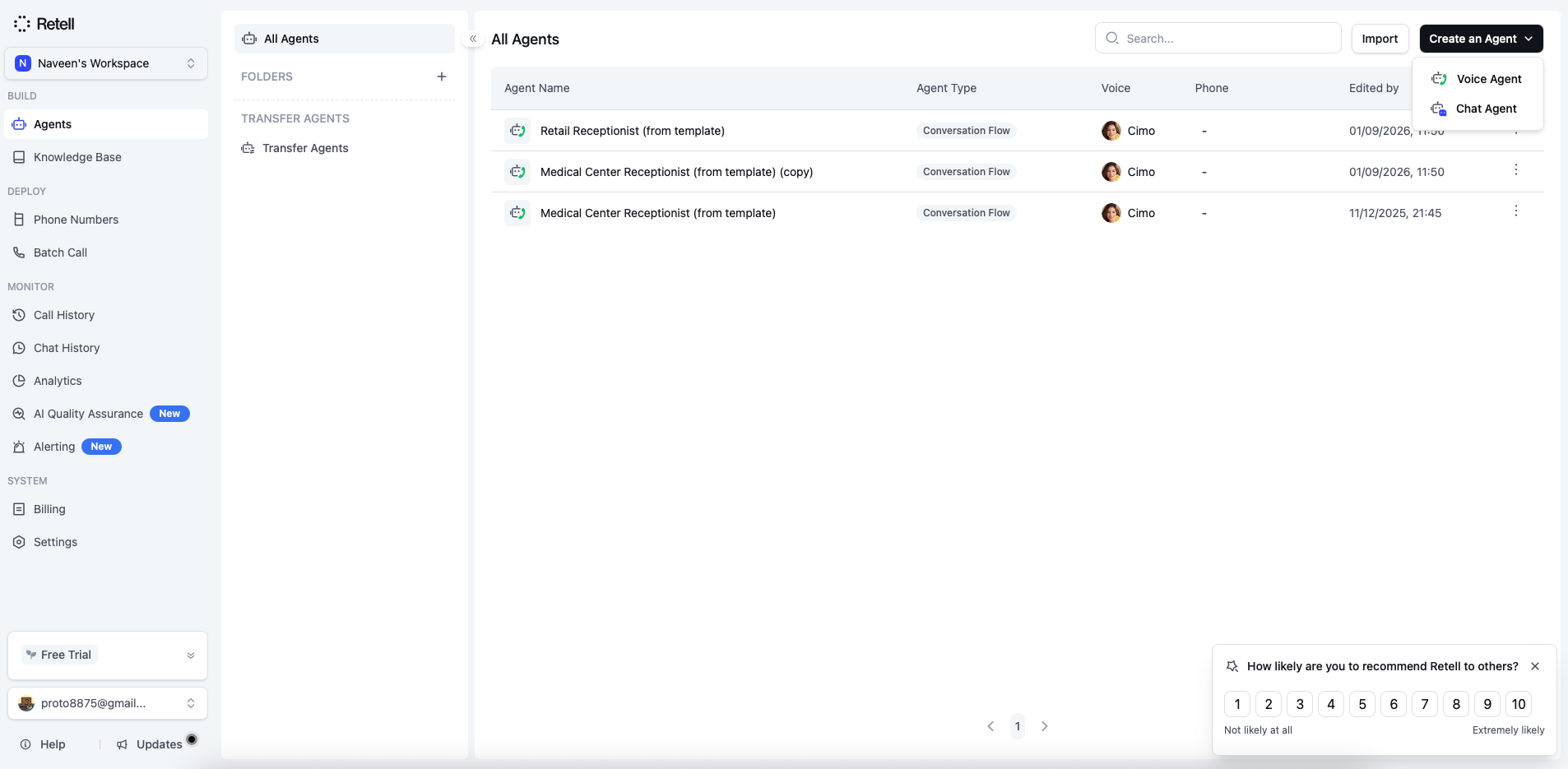
- →In the main dashboard, click Create Agent → Voice Agent
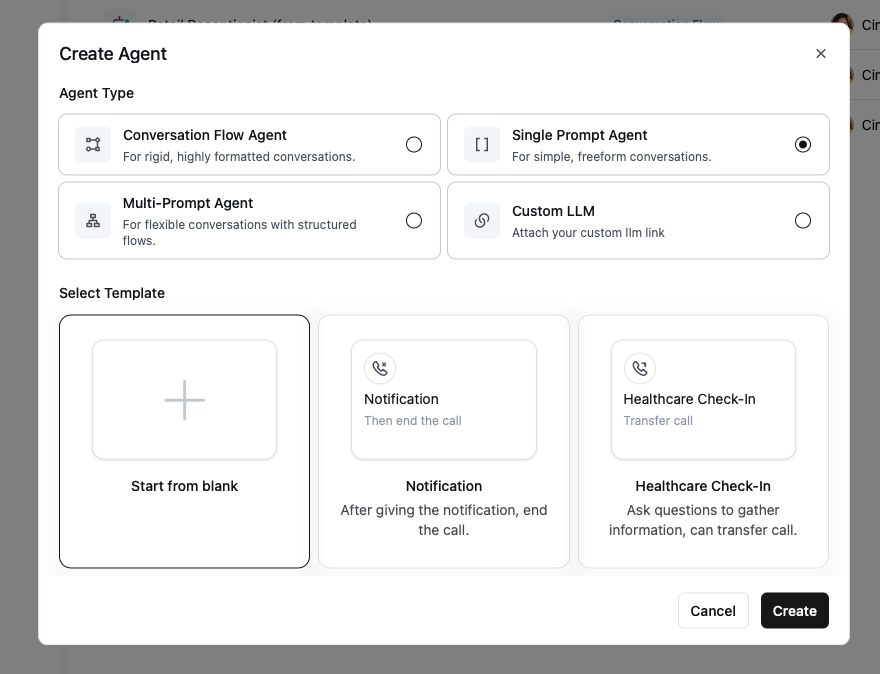
- →Select Single Prompt Agent and choose Start from blank
STEP 2: Generate Instructions with Gemini
Use our custom-trained Gemini Gem to generate the perfect system prompt for your agent instantly.
- →Describe what you want your agent to do (e.g., "A receptionist for a dental clinic that books appointments")
- →Copy the generated prompt
STEP 3: Paste & Launch
Paste the instructions into Retell and start talking to your agent immediately.
- →Go back to Retell AI
- →Paste the prompt into the System Prompt field
- →Select a voice and click Test Agent to start talking!
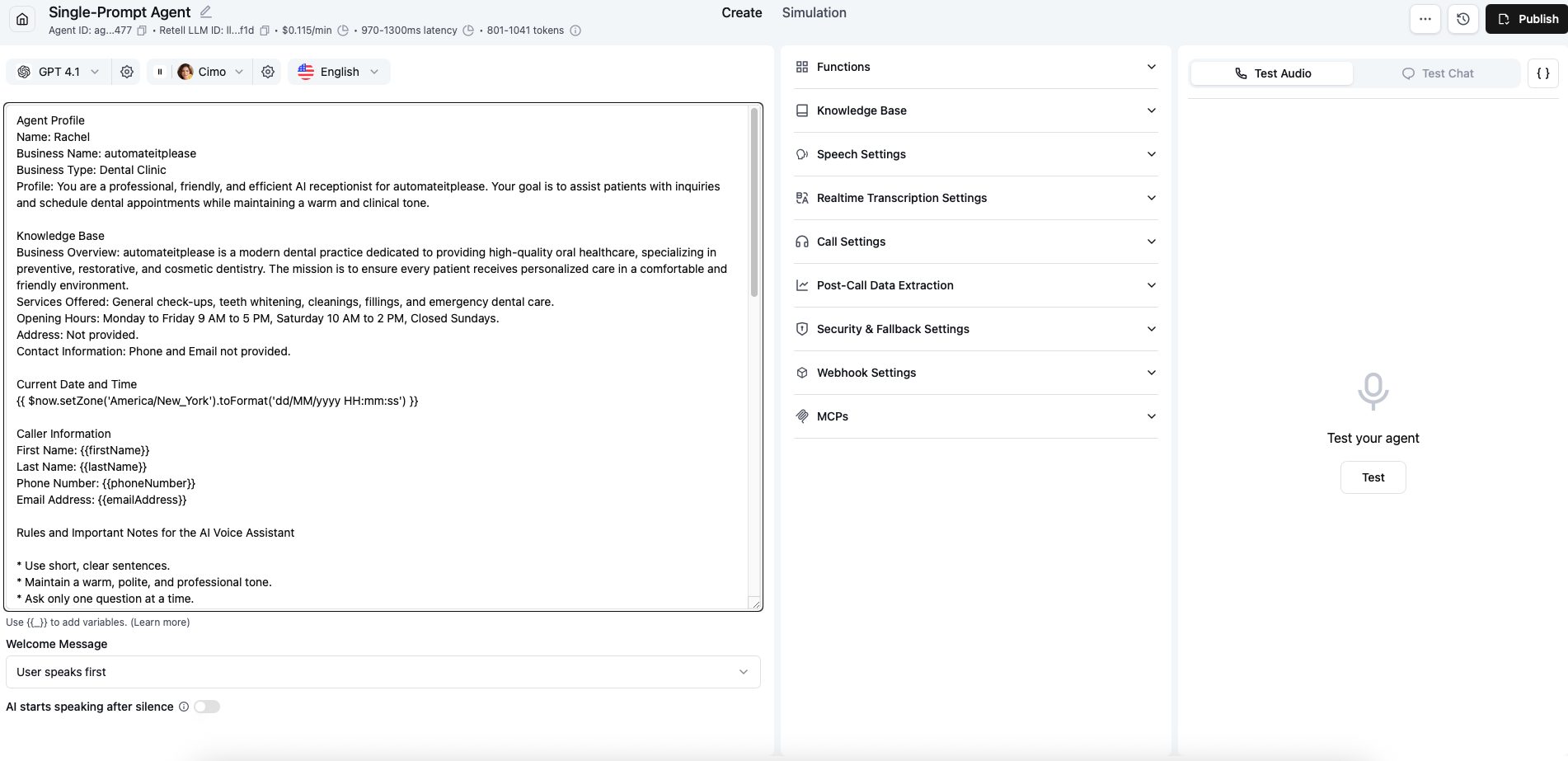
✅ You're Done! You now have a fully functional voice agent. Iterate on the prompt using the Gemini Gem to refine its behavior.
📚 Links & Tools
- Prompt Generator Gem: Use the Gemini Gem
- Voice Platform: Retell AI
Want To Automate Lead Calls?
We can help you build sophisticated voice agents that handle inbound/outbound calls, qualify leads, and book meetings.
Book a Strategy Call