📅 Pre-Call Intelligence Automation
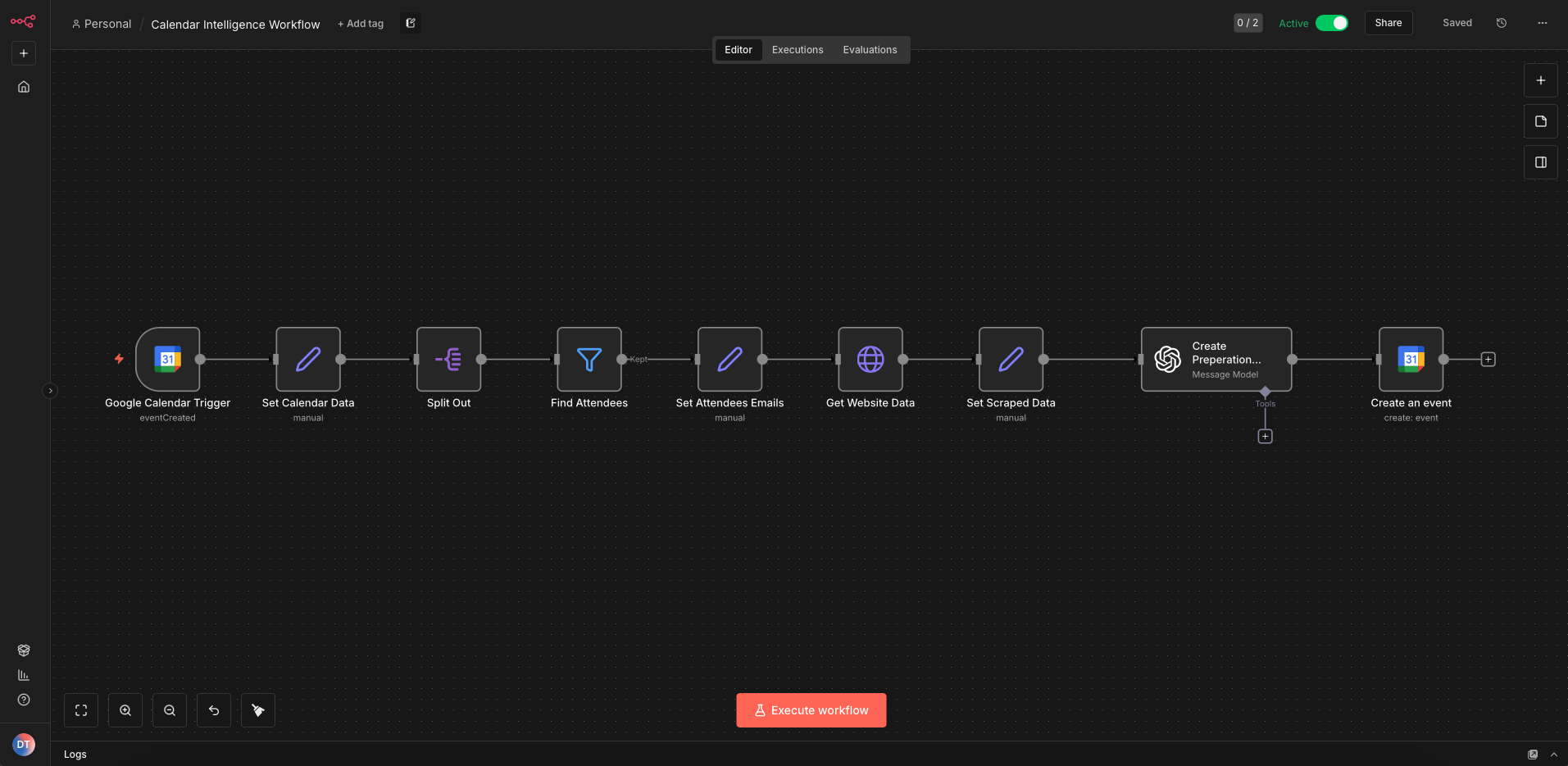
Automatically prepare your sales team for every meeting with AI-powered research and insights. Connect to Google Calendar and get pre-call summaries, key insights, and prep events added automatically.
What You'll Get
Automatic Website Scraping
Attendee websites are automatically scraped when meetings are booked to gather intelligence.
AI-Generated Insights
Pre-call summaries and key insights are generated automatically using AI analysis.
Calendar Integration
15-minute prep events are added before meetings with notes visible directly in your calendar.
Zero Manual Work
Once set up, the automation runs fully on autopilot. No dashboards, no context switching.
Quickstart Implementation Guide
6 steps · takes about 15 minutes to set up
STEP 1: Download the N8N Workflow
Get the pre-built workflow that connects Google Calendar with Apify for automatic meeting prep.
STEP 2: Create Google Cloud Console Project
Set up a Google Cloud project to enable Calendar API access.
- →Log in to Google Cloud Console
- →Select the project dropdown → New project
- →Enter a Project name and select Location
- →Click Create

STEP 3: Enable Google Calendar API
Enable the Calendar API for your project to allow n8n to access your calendar.
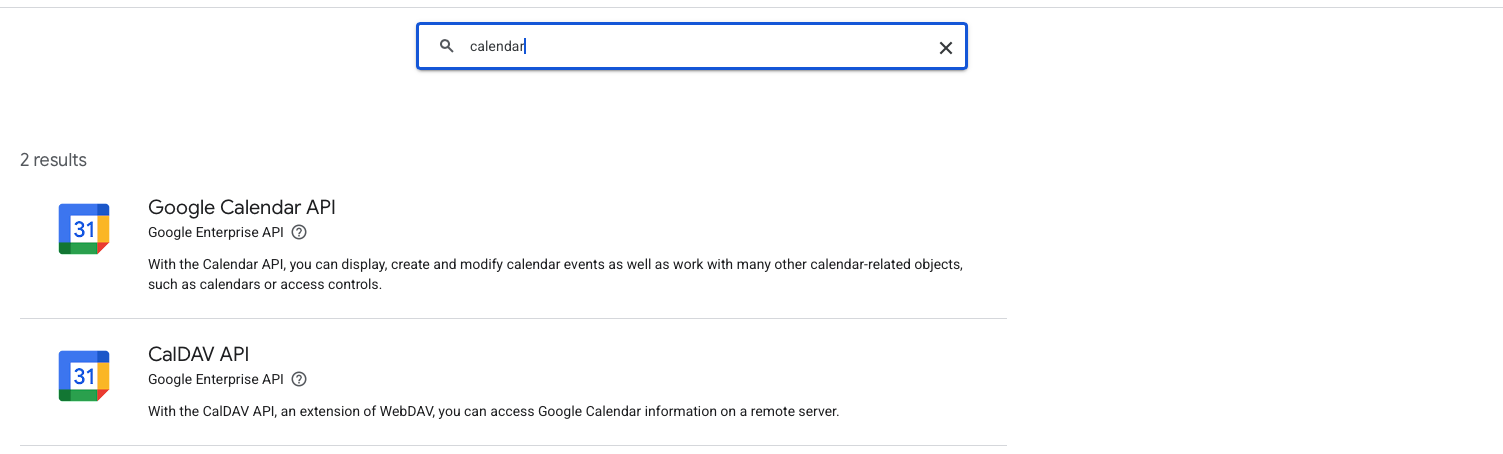
- →Go to APIs & Services → Library
- →Search for "Google Calendar" and select Google Calendar API
- →Click ENABLE
STEP 4: Configure OAuth & Credentials
Set up OAuth consent screen and create credentials for your n8n integration.
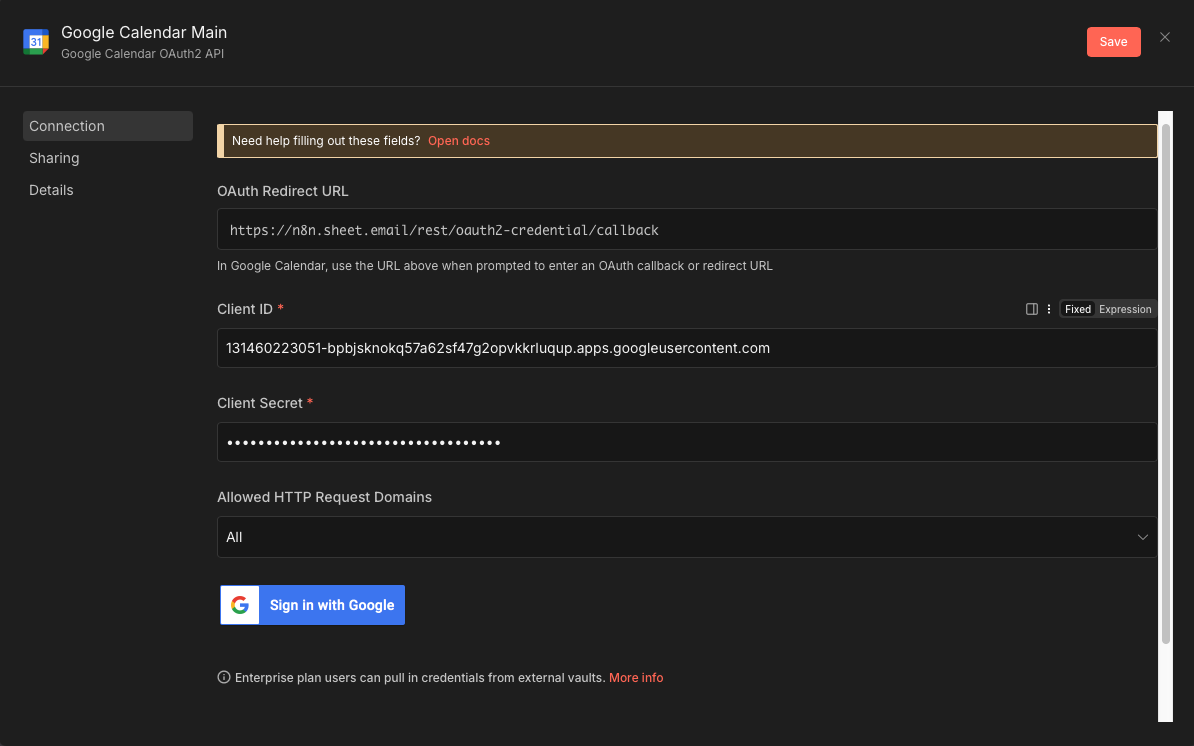
- →Part A — OAuth Consent Screen: Go to APIs & Services → OAuth consent screen → Click Get started → Enter app details → Choose Internal or External audience → Add your authorized domain
- →Part B — Create Credentials: Go to APIs & Services → Credentials → Click + Create credentials → OAuth client ID → Select Web application → Add redirect URI from n8n → Copy your Client ID and Client Secret
STEP 5: Configure Apify Actor
Set up Apify to automatically scrape attendee websites for meeting intelligence.
- →Go to Apify Website Content Crawler and create a free account
- →Get your Apify API token from Settings → Integrations
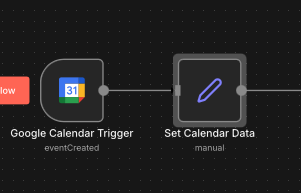
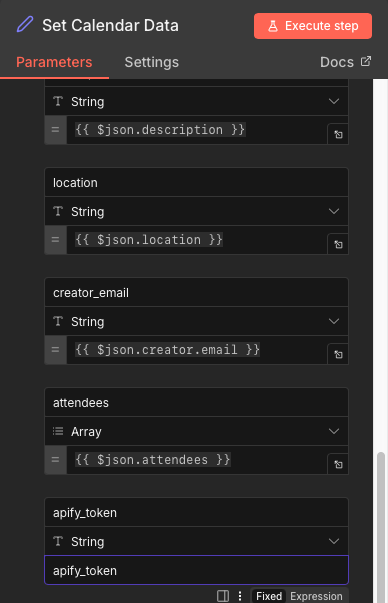
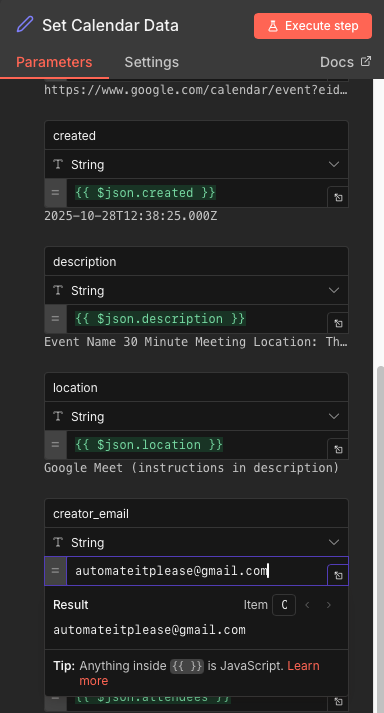
- →In the n8n workflow, paste the token into the "Set Calendar Data" node
- →Add your main email to the Creator Email field
🎉 Setup Complete! Your automation is now live. Every new calendar booking will trigger automatic website scraping, AI analysis, and a 15-minute prep event added to your calendar.
Final Result 🎯
Once both Google Calendar and Apify are set up, the system runs on autopilot:
- →✓ Every new calendar booking is detected automatically
- →✓ The attendee's website is scraped for intelligence
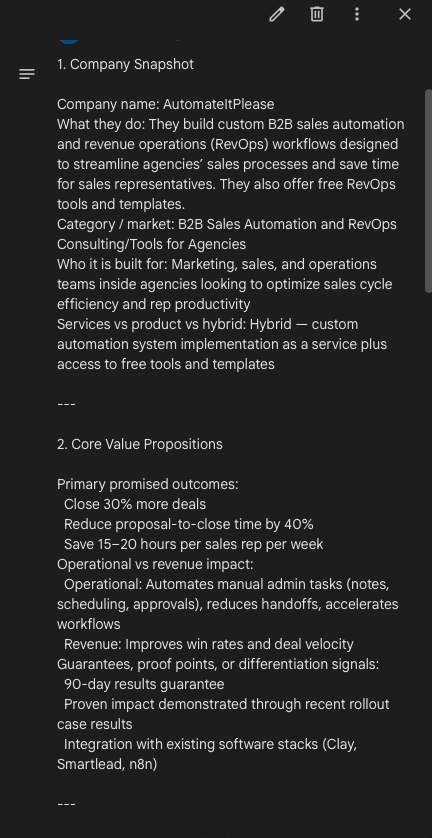
- →✓ A clean pre-call summary is generated
- →✓ A 15-minute prep event is added before the meeting
📚 Resources & Tools
- N8N Workflow: Download Here
- Apify Actor: Website Content Crawler
- Google Cloud Console: console.cloud.google.com
Need Custom Sales Automation?
Let us build a tailored sales intelligence system for your specific workflow and CRM.
Book a Call